Collaboration
1 Designer & Developer | 2 Mentors | Engagement Team
Tools
Figma, TailwindCSS, Accessibility Tooling
Timeline
6 months
Google Summer of Code
GNOME CSS Component Library

GNOME Foundation
1. Overview
Key Contributions:
Designed & coded 9 core components
Applied GNOME HIG & accessibility best practices
Built reusable, scalable components
Impact:
Standardized 12+ public-facing websites
Enhanced usability for websites reaching ~1.6 M+ monthly users
Accelerated developer implementation
Why this was needed:
Fragmented onboarding slowed contributor adoption
Inconsistencies hurt usability & brand identity
Key Takeaways:
Thrill and challenge of bringing structure to chaos
Design systems enable trust, not just visuals

The challenge was to balance brand identity and inclusive design principles
2. Problem & Context
Visitors faced inconsistent, inaccessible experiences
GNOME has 12+ independently maintained websites with a lack of shared visual language or inclusive design standards. This lack of consistency created usability gaps for visitors, users and made it harder to engage new contributors.
Developers struggled to scale and maintain sites
Without a unified design system, developers spent more time recreating components and struggled to evolve sites with frequent updates.
Users
Get consistent, accessible experiences
Contributors
Save time with reusable components
Community
Stronger engagement & scalable presence
3. How?
1. Research
Evaluation and analysis of existing elements and components
2. Design
High-fidelity mockups, feedback and iteration

3. Implementation
Coding the mockups using TailwindCSS and JavaScript
4. Testing
Visual, unit and cross-platform testing
4. Who are we designing for?

Mei (Potential User)
Age 22 · University Student
Curious · Tech-Savvy · Exploring Options
Key Needs: beginner-friendly guides, clear installation steps

Ahmed (Contributor)
Age 29 · Software Developer Collaborative · Detail-Oriented · Problem Solver
Key Needs: consistent, easy-to-navigate resources

Sophie (Event Participant)
Age 34 · Community Enthusiast Social · Engaged · Passionate
Key Needs: seamless event experience, reliable
schedules
4. Existing Components Evaluation
Step 1. Finding components
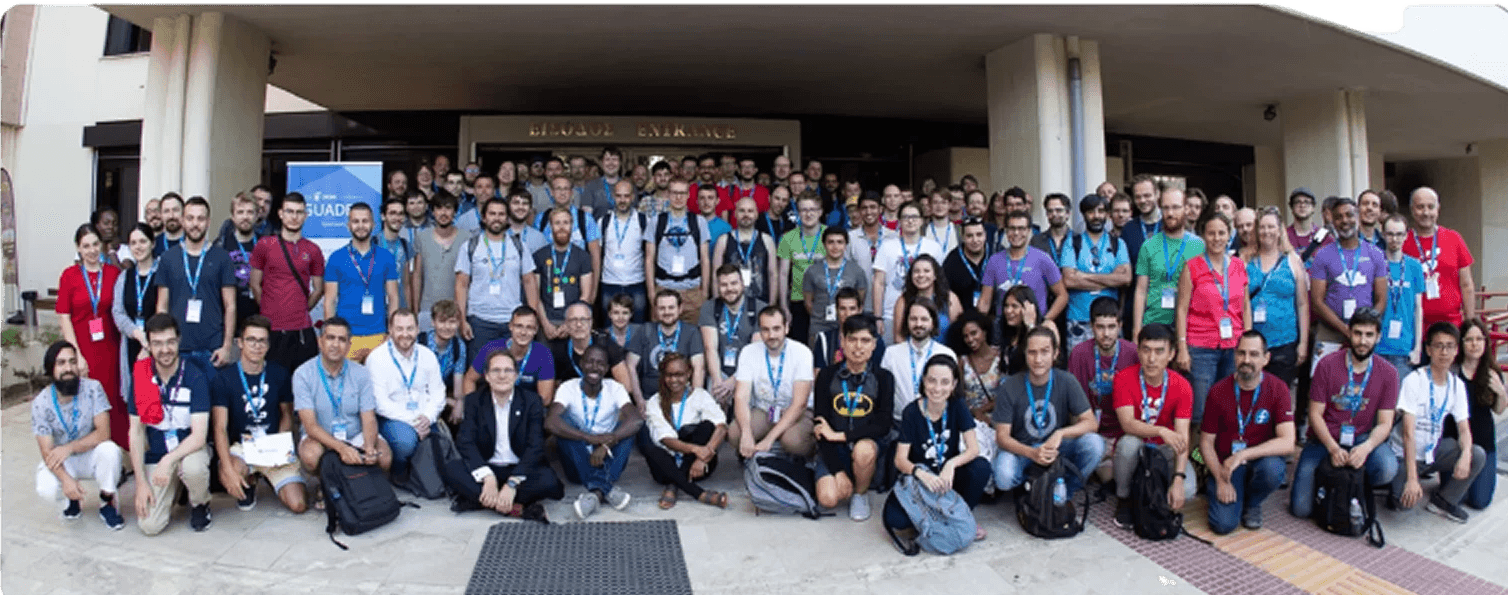
Audited 12+ websites to locate UI components and patterns
Step 2. Capturing variations & states
Captured screenshots in different styles and interaction states to compare usage and behaviour
Normal
Hover
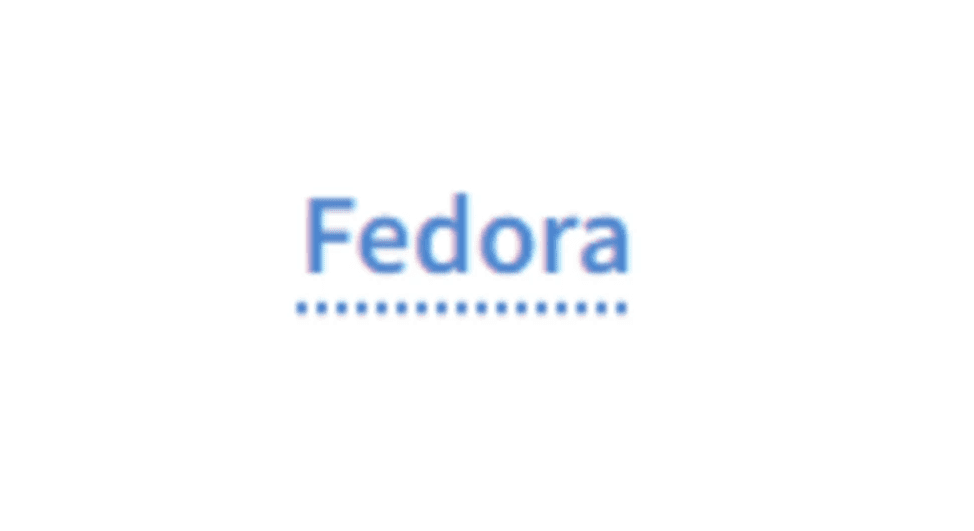
Example - Link element
Normal
Inconsistent with other link styles
Hover
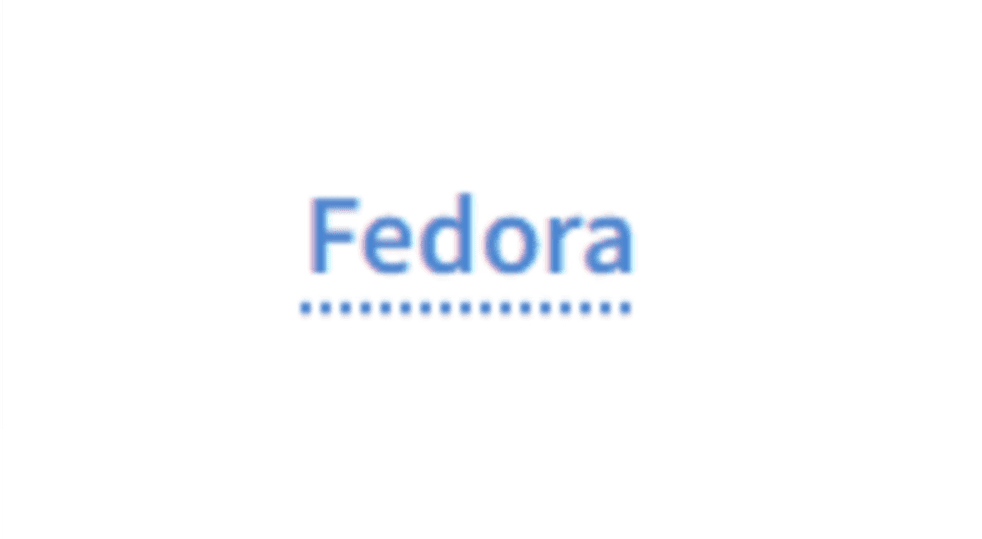
Dotted underline on hover appears outdated
Normal
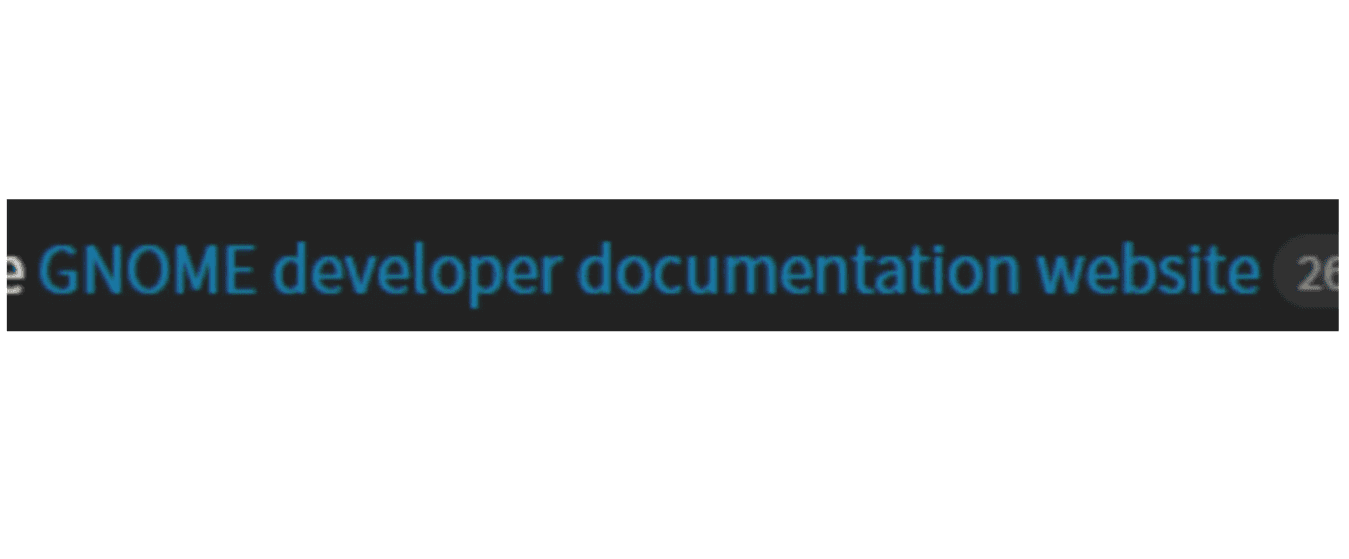
Poor contrast and reliance on colour alone makes the link hard to distinguish from the surrounding text
Hover
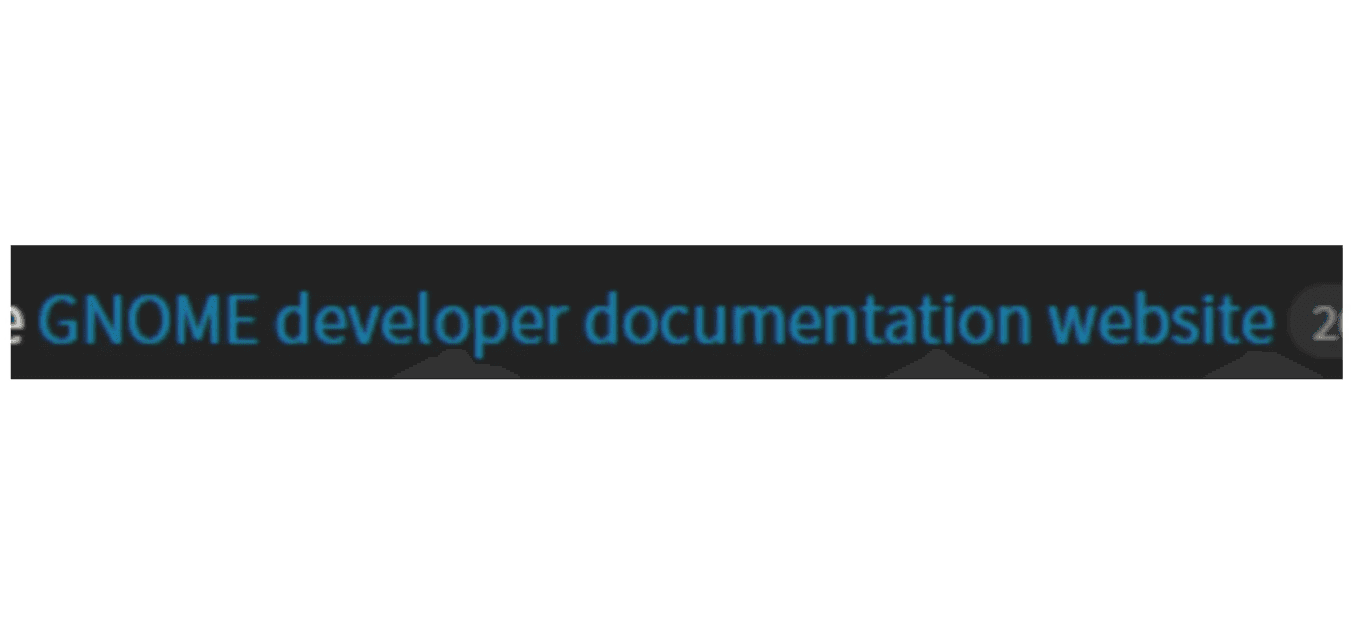
No visible state change on hover
Normal
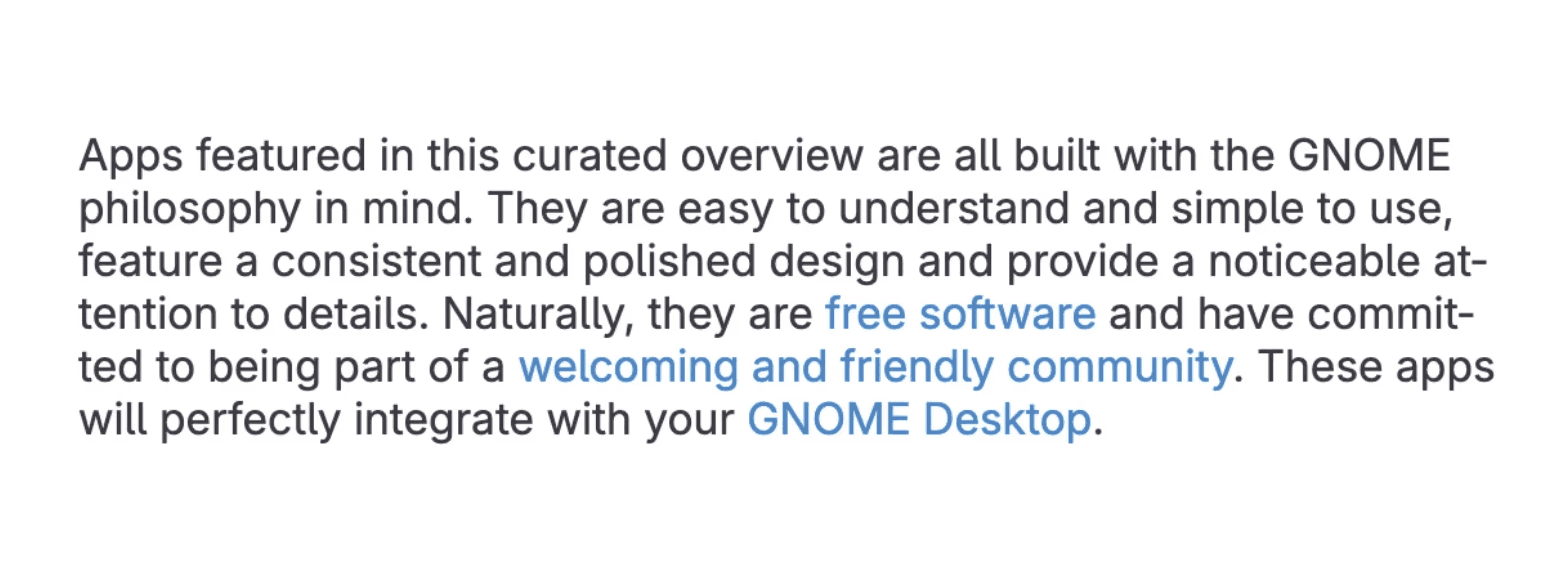
Relies solely on colour, reducing link discoverability and accessibility
Hover
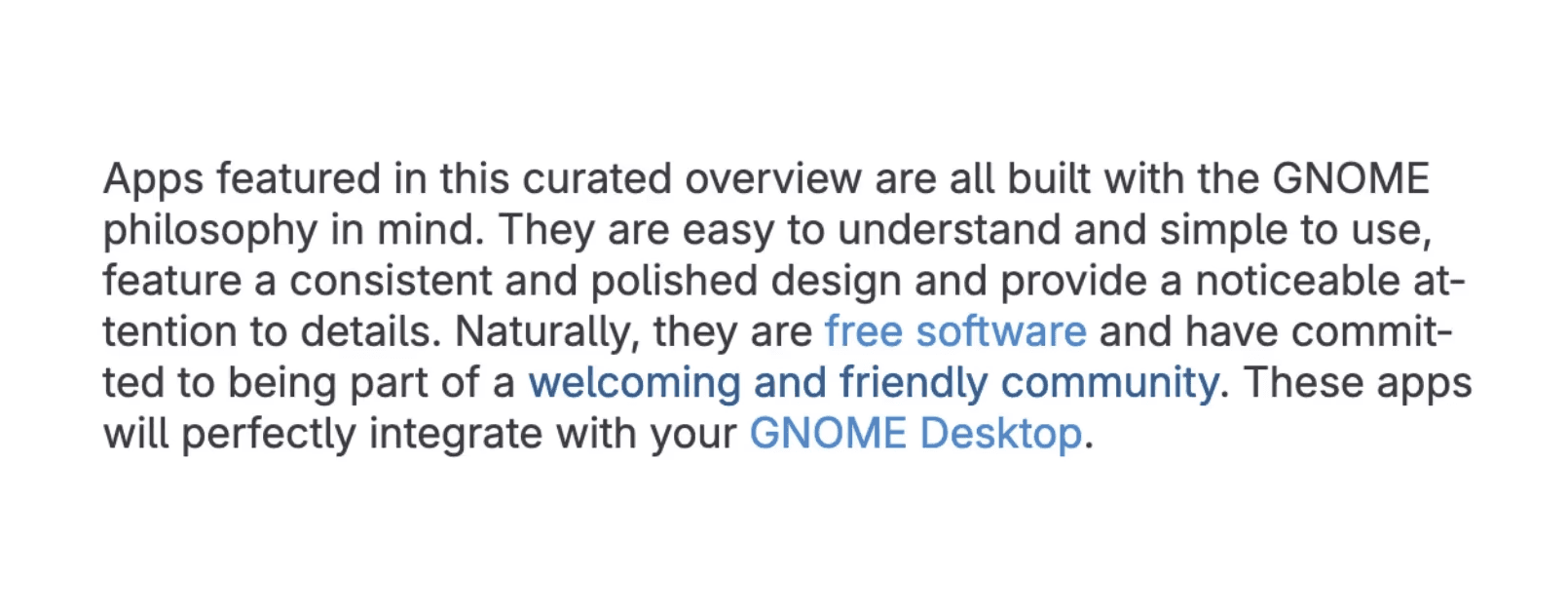
Hover state only changes colour, offering a weak affordance to users
Normal
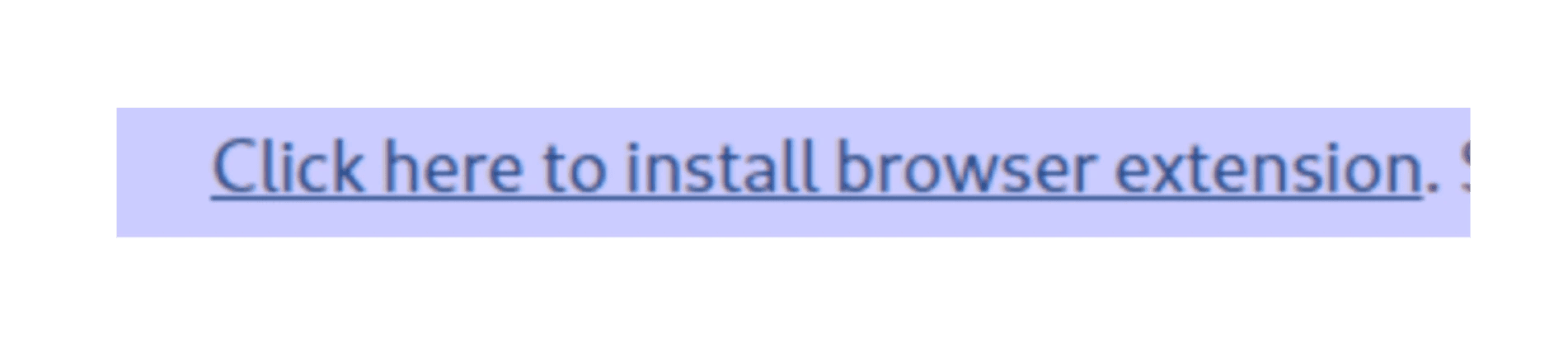
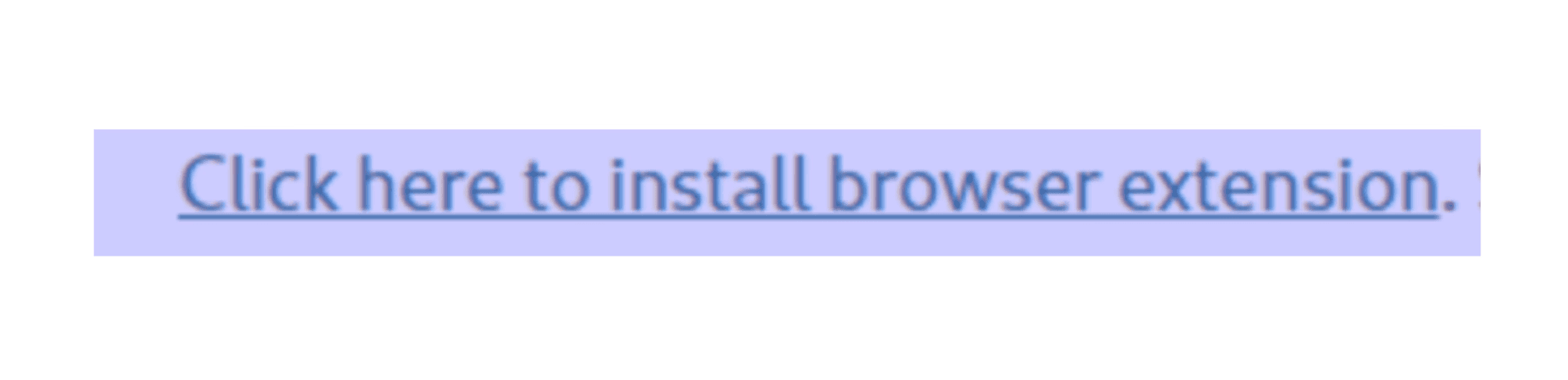
Both states have underline, inconsistent with other link styles
Normal

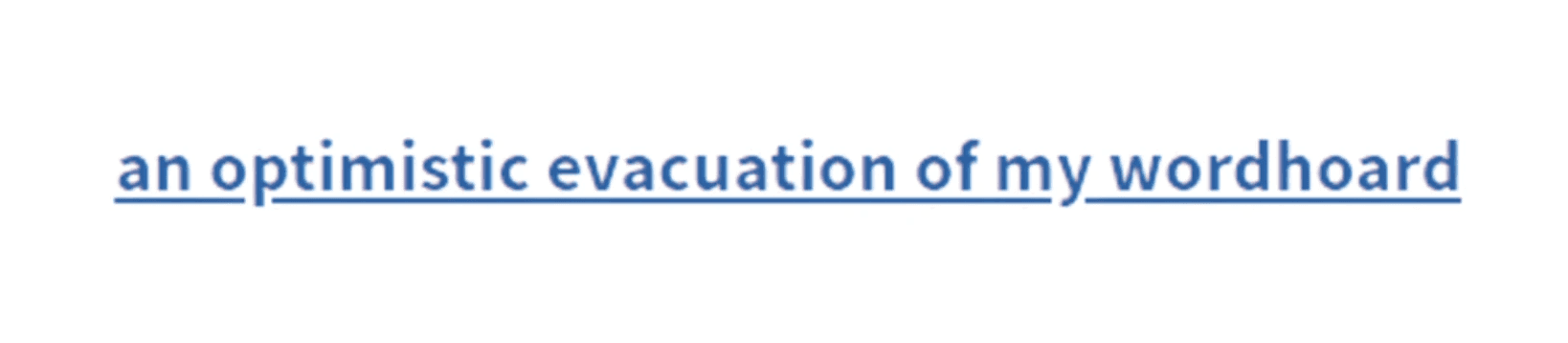
Hover state adds an underline, inconsistent with other link styles
Hover
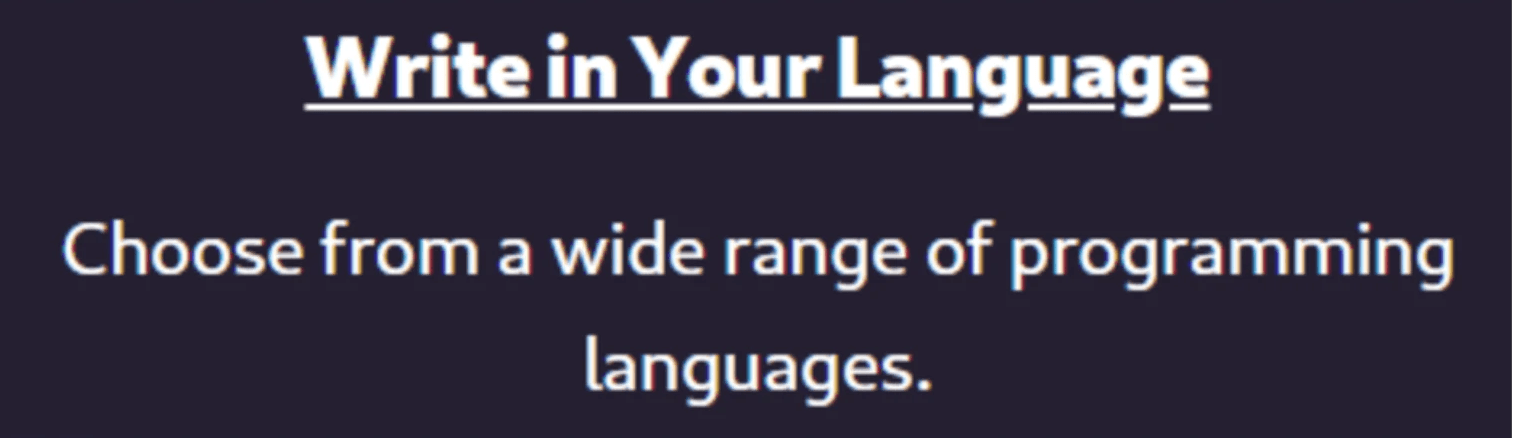
Hover state only changes colour, offering a weak affordance to users
Hover
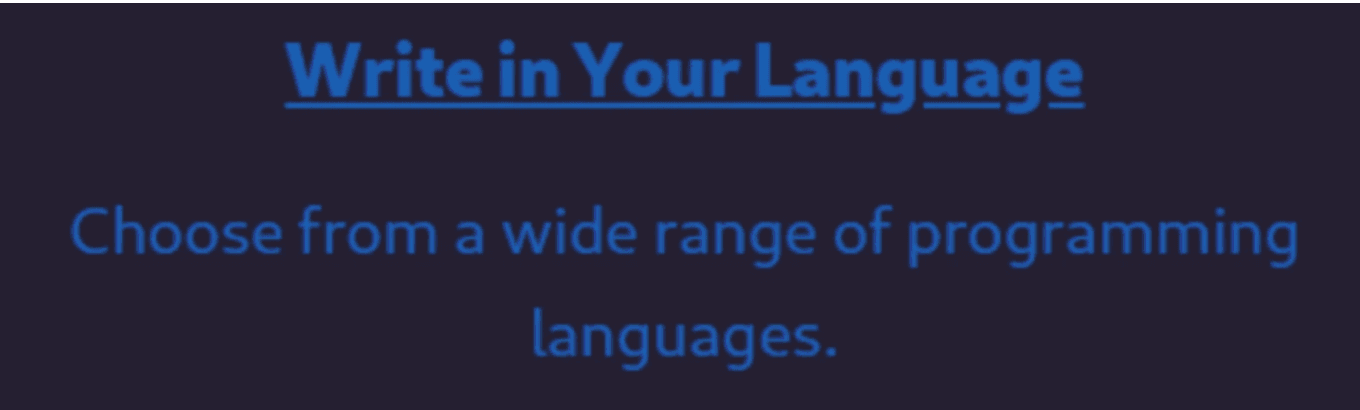
Hover state only changes colour, offering a weak affordance to users
Step 3. Consistency Evaluation
Inspected attributes (e.g., font-size, text-colour, hover states) to document and analyze UI inconsistencies
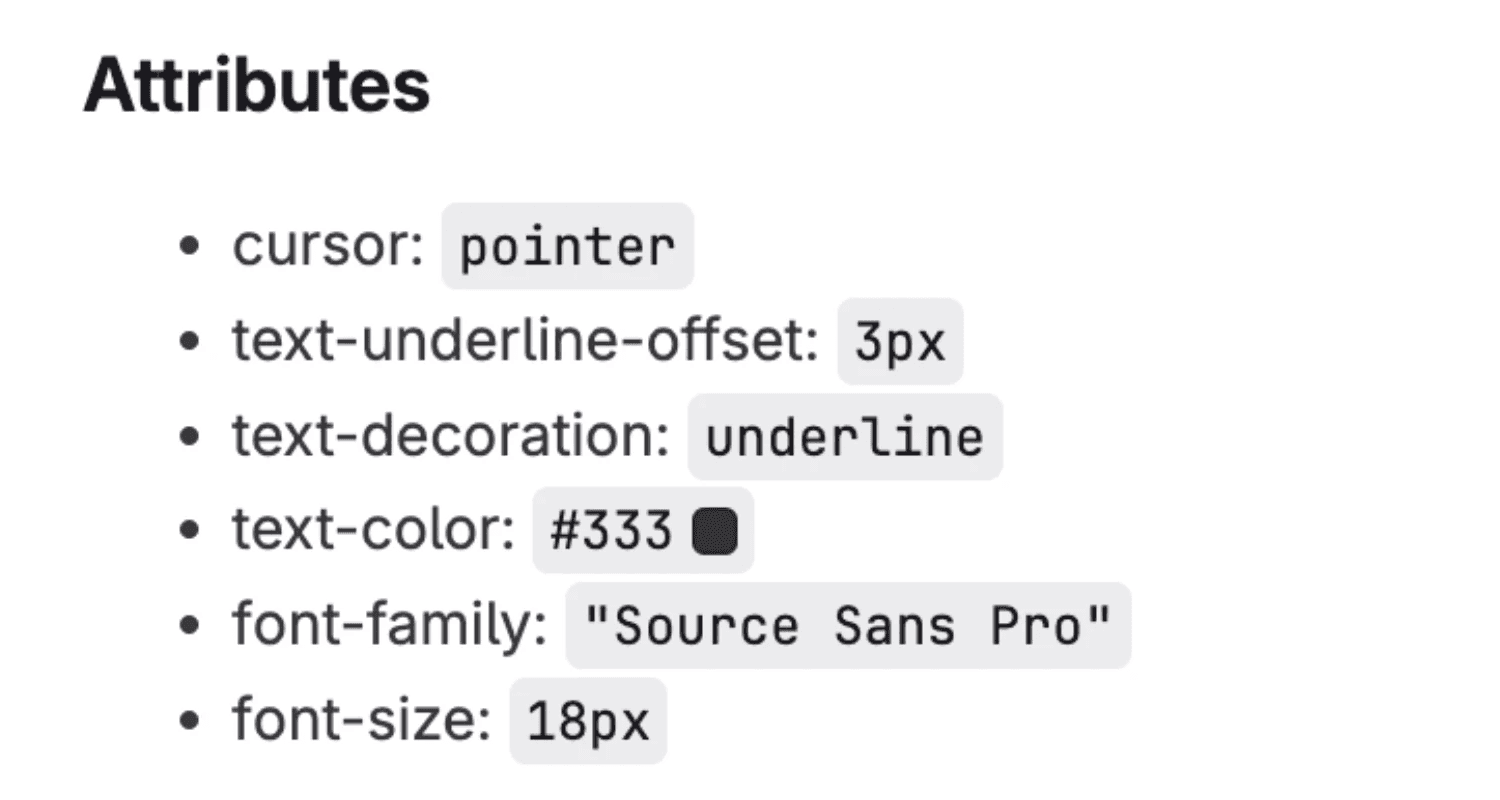
4. Design & Iterations
Established the baseline of accessibility compliance and implementation-ready consistency
Normal
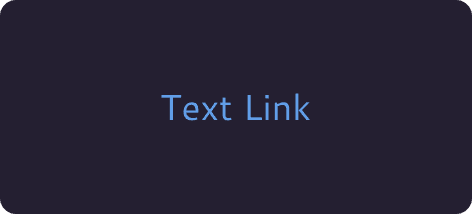
Normal
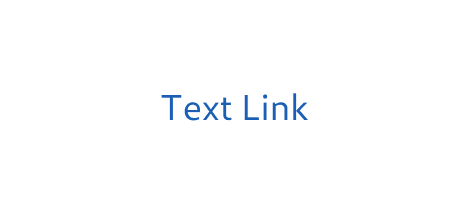
Hover
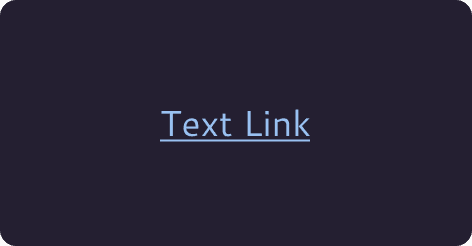
Hover
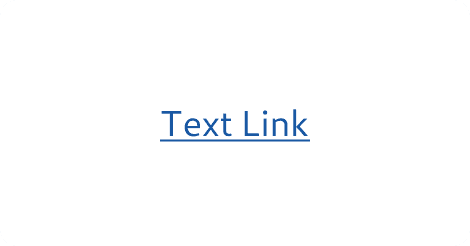
Visited
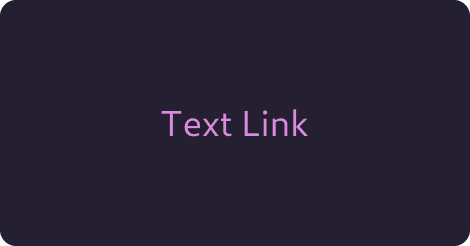
Visited
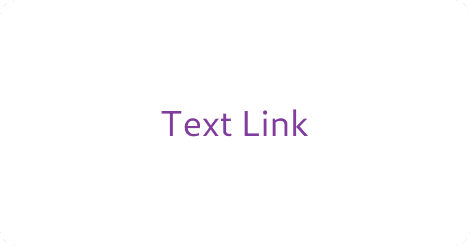
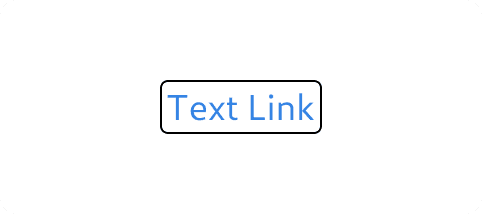
Focus
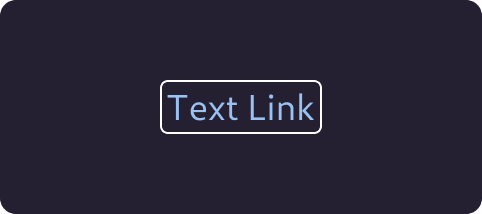
Focus
Colour Contrast:
WCAG AA
4.5:1> for small text
3:1> for large text
Defined the colours on light and dark mode
Focus state for keyboard users
Contextual Variants
Problem
The GNOME brand leaned toward clean, minimal links (no underlines). Accessibility required stronger affordances.
Solution
Strong colour contrast
Underlines for body text
Flexible states for brand-specific contexts
Default Link (Inline and Body Text)
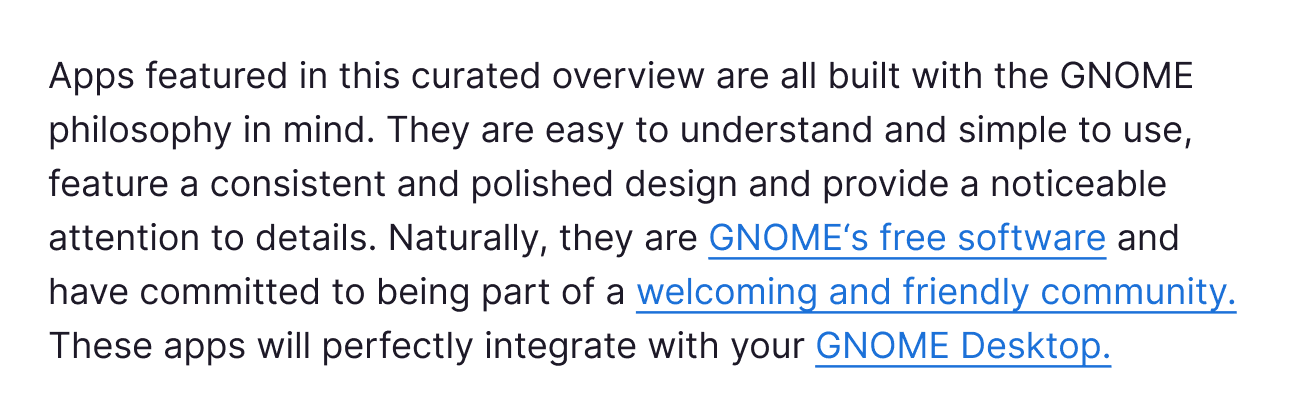
Always underlined for discoverability
Inverse Link Footer (Navigation on dark background)
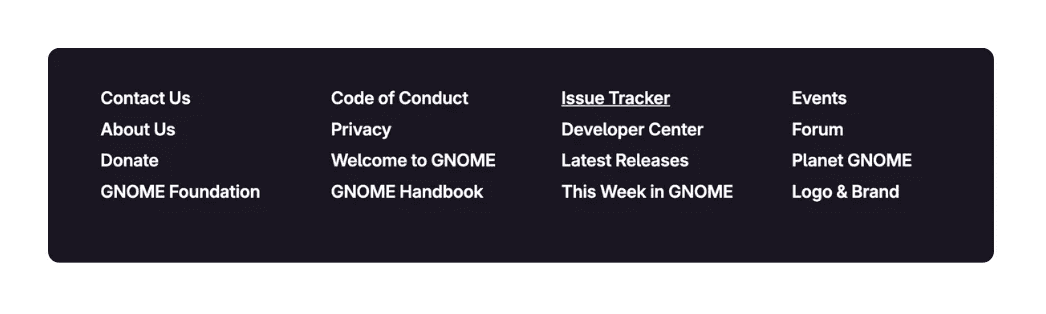
Underline on dark backgrounds for accessibility
Contextual - other cases
External links

Opens in a new tab with visual cue icon for clarity
Subtle Links
Underline on dark backgrounds for accessibility
Descriptive Text
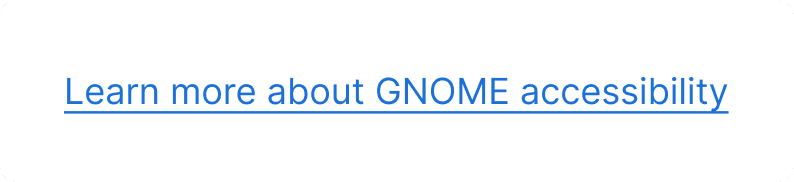
Ensures clarity and accessibility for screen readers & all users